CallSwitch One
These instructions describe how to connect your TIM Plus system to a CallSwitch One account, allowing you to log and analyse your phone calls.
This connection requires an OpenCDR subscription
Configuring TIM Plus
These instructions help you configure your CallSwitch One to send data to TIM Plus.
Add a new data source
Connecting TIM Plus to your CallSwitch One is very similar to the way you connect to any other PBX or communications service:-
Go to the Directory tab.

Click on the 'Add' button as shown below.

Select 'Cloud service' from the drop-down list.

Select 'CallSwitch One' as the cloud service for connection and press the Next button.
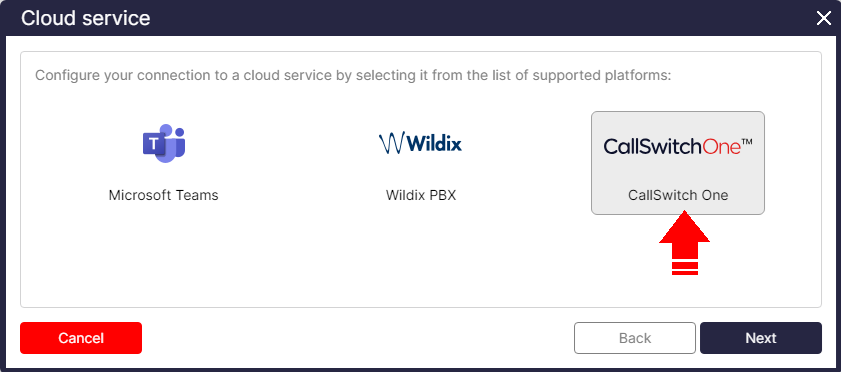
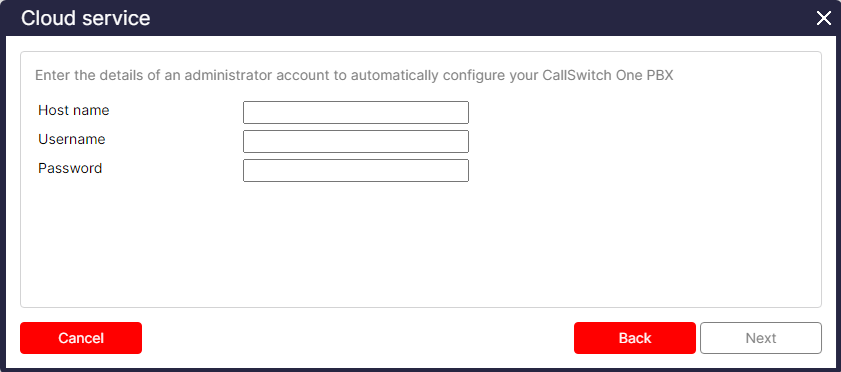
You will need to enter the details of an administrator account to authorize TIM Plus to receive data from your CallSwitch One.
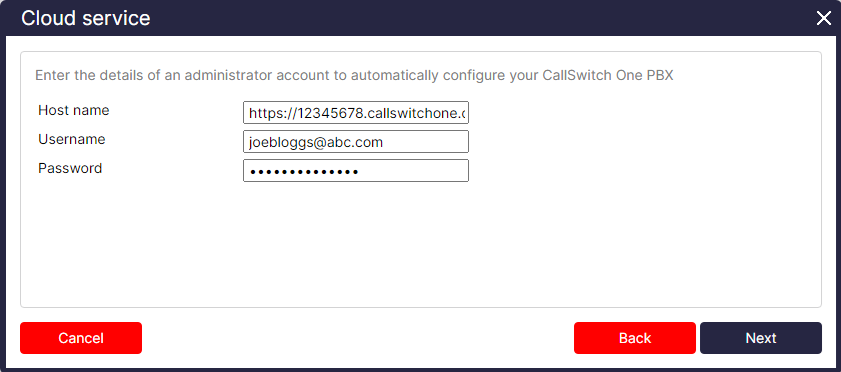
Once these details are entered as shown in the example below, it will automatically configure the CallSwitch One Web Hooks to send call data to TIM Plus.
The CallSwitch One will appear in TIM Plus's directory as shown below:
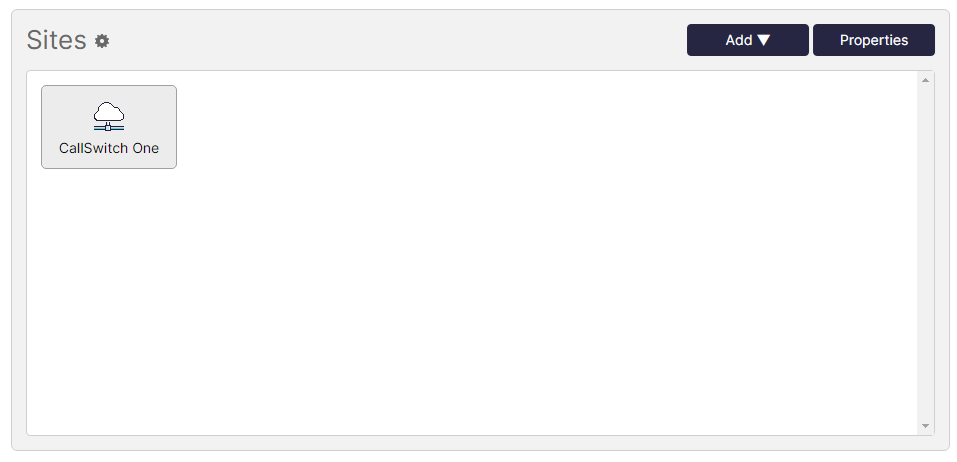
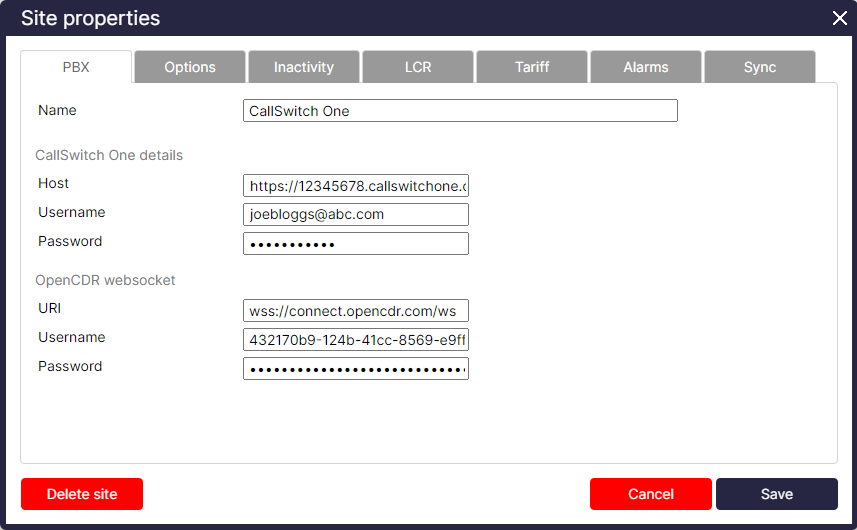
When you click on the CallSwitch One and select 'Properties', you will see that it's been automatically configured to connect and send call data to TIM Plus.